Explore the Plain Flags demo dashboard:
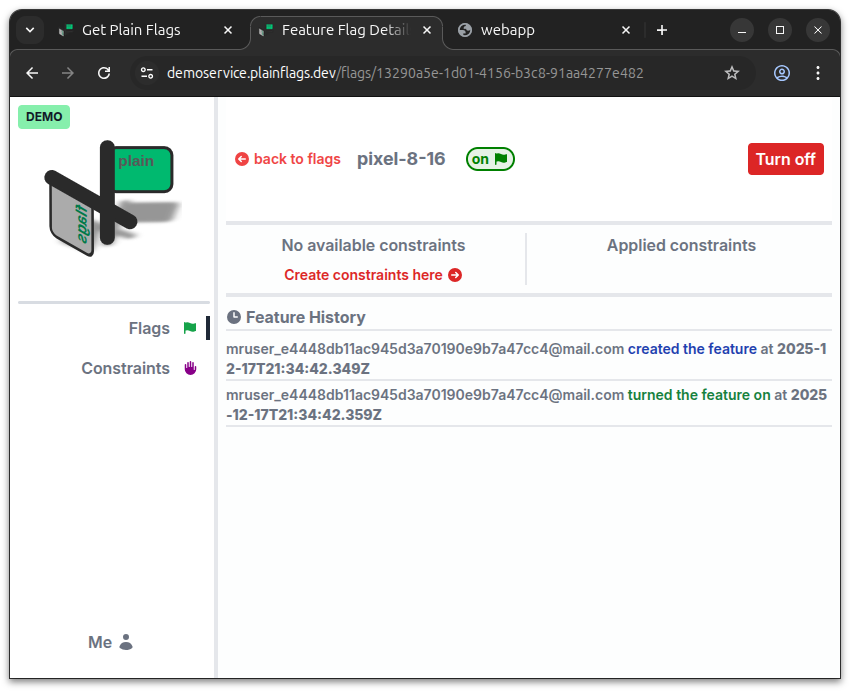
Create and toggle flags in the dashboard app
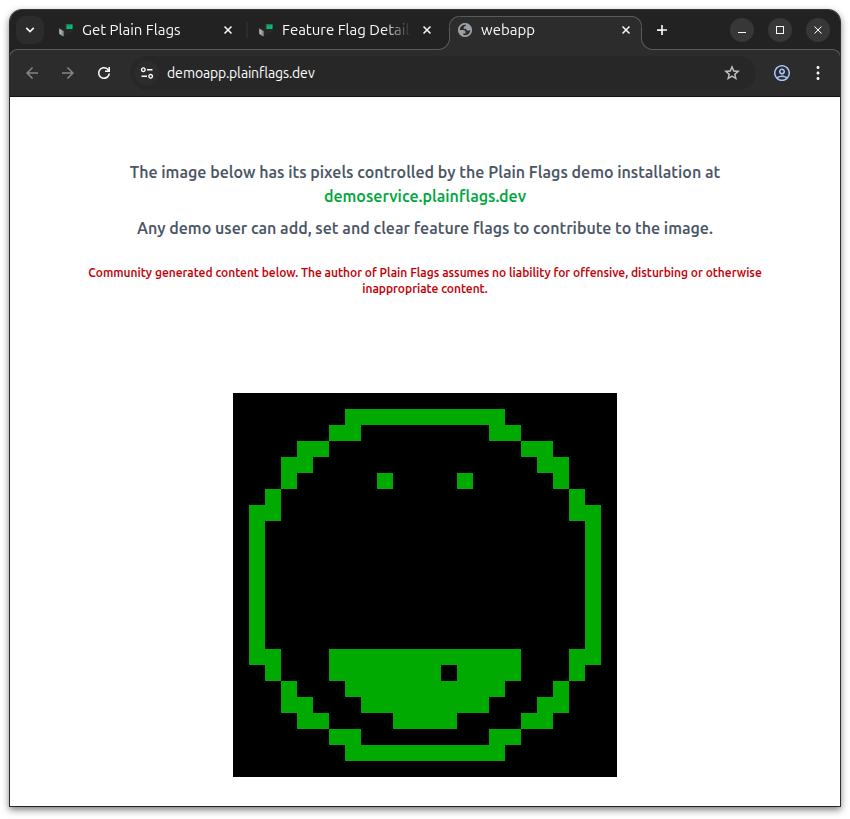
Then view the fast change of state in the demo controlled app
How it works:
The picture in the controlled app has either black or green pixels.
Any pixel within the image's bounds can be turned black or green with a feature flag in the dashboard.
Demo users can toggle existing pixel flags or create new ones as they wish.
The format for a pixel feature flag is pixel-x-y.
You can create other features and constraints but they will have no effect.
The feature toggling code for the controlled app is simple:
let flagValue = 0;

/**************************
*  Feature enabling code: *
**************************/
if (GridState.flags.isOn(flagName)) {
    flagValue = 1;
}
The source code for the demo application is also available in this public repository.